오늘부터 사용가능
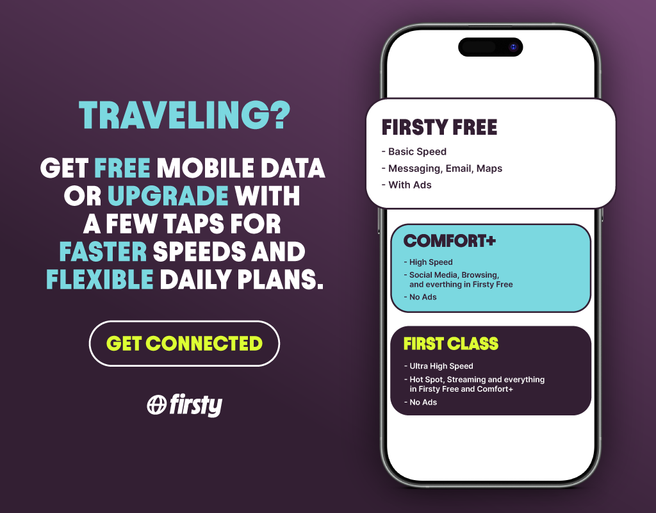
Thailand Firsty eSIM - 1.5GB or 5GB Daily High-Speed Data
¥ 283

 Point Guide
 AI 추천
AI 추천
Book tickets, tours, & activities worldwide with GlobalTix.
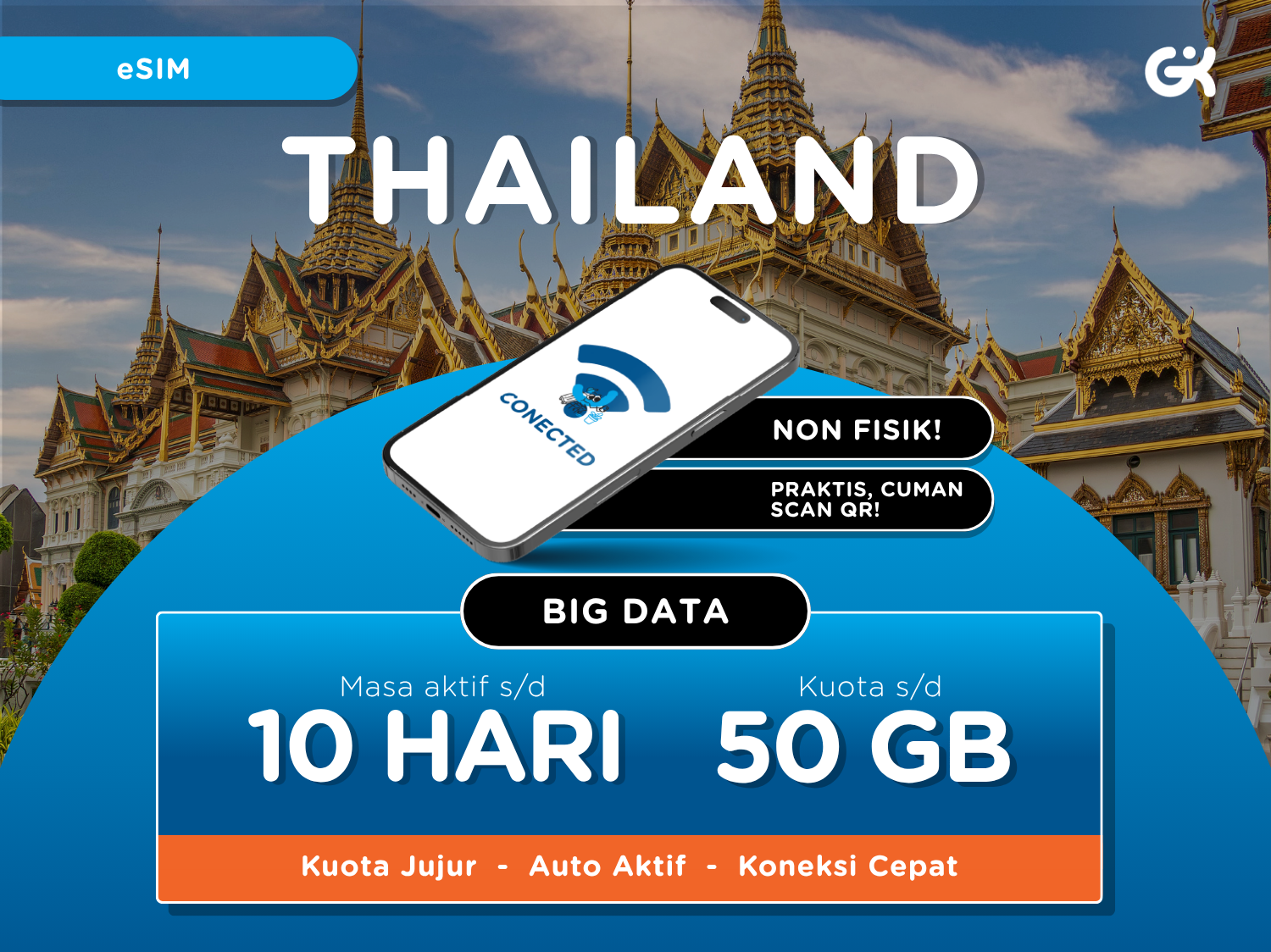
A data-only eSIM for your trip to Thailand: choose 7 days with 15GB or 10 days with 50GB to match your trip length and usage. Scan the QR code sent by email to use 4G LTE/5G data without swapping a physical SIM card. Personal hotspot (tethering) is supported, so you can share data with other devices. The eSIM activates once scanned, so simply scan it after you arrive in Thailand.
Stay connected across Thailand
with big 4G/5G data
A data-only eSIM for use throughout Thailand. Choose between 7 days with 15GB and 10 days with 50GB to match your trip length and usage, and enjoy 4G LTE/5G speeds. Personal hotspot (tethering) is also supported.
Activate instantly by scanning a QR code
After booking, scan the QR code you receive by email from your device's Add eSIM menu. There is no need to swap a physical SIM, and the eSIM activates once scanned. Scanning early may start counting your days, so we recommend scanning after you arrive in Thailand.
Check your device before activation
Dial *#06# on your device: if an EID appears, your device supports eSIM. You need an internet connection to scan and install the eSIM. You can check data usage in your phone settings.
※ This is a data-only plan without calls or SMS, and top-ups are not available.
※ The eSIM is sent by email the day after booking.
1 Thailand data eSIM for the selected plan (7 days 15GB or 10 days 50GB)
4G LTE/5G data
Personal hotspot (tethering)
Calls and SMS
Data top-ups
 사용 방법
사용 방법When booking, enter your date of use, phone number and email in the notes. Missing details may delay eSIM delivery.
You receive the eSIM QR code by email the day after booking.
Scan the QR code after arriving in Thailand to activate it.
How to install and activate
iPhone: Go to Settings > Cellular > Add Cellular Plan and scan the QR code.
Android: Go to Settings > Connections > SIM Card Manager > Add Mobile Plan and scan the QR code.
Turn on the installed eSIM, set it as your mobile data line and enable Data Roaming.
If needed, set the APN to www.dtac.co.th (leave username and password blank).
Coverage
All of Thailand
※ 모든 이용 기준은 바우처에 기재된 내용을 따릅니다. 확인하지 않아 이용하지 못한 경우 환불 및 보상이 불가합니다.※ 모든 기준은 바우처상의 미팅 장소와 시간에 따릅니다. 미확인으로 인해 이용하지 못한 경우 환불이 불가합니다.

All of Thailand (data eSIM)
꼭 알아두세요 Point Guide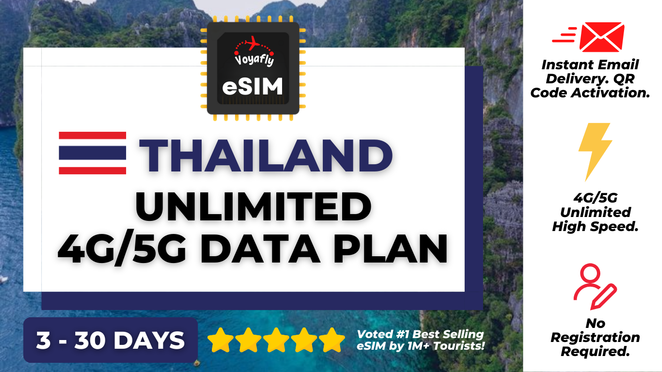







![[Exclusive Discount] [Vehicle Price] Bangkok Airport Pick-up & Drop-off Service](https://d2mgzmtdeipcjp.cloudfront.net/files/good/2024/09/03/17253603009510.jpg?s=656x372&t=outside)
![[Exclusive Discount] Muang Boran & Erawan Museum Ticket in Bangkok](https://d2mgzmtdeipcjp.cloudfront.net/files/good/2023/07/12/16891468994545.png?s=656x372&t=outside)










![[Korean Exclusive] Phuket Banana Beach Half Day Tour](https://d2mgzmtdeipcjp.cloudfront.net/files/good/2023/10/04/16964071634930.jpg?s=656x372&t=outside)

![[Exclusive Discount] Phuket Sansabai Massage Jungceylon Patong Branch](https://d2mgzmtdeipcjp.cloudfront.net/files/good/2026/01/19/17687897153540.png?s=656x372&t=outside)