
판매 준비 중
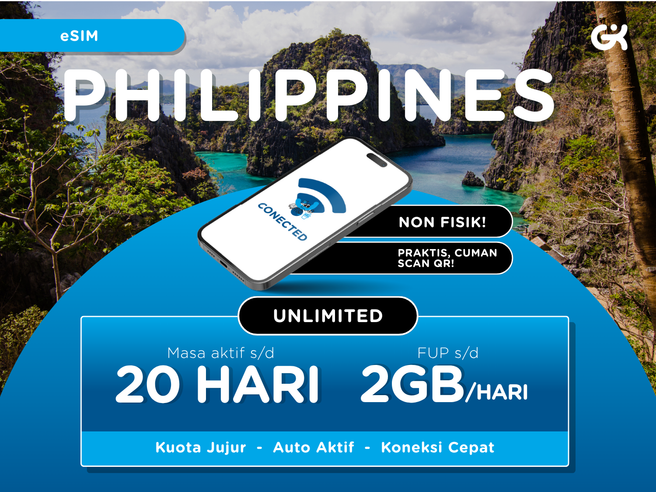
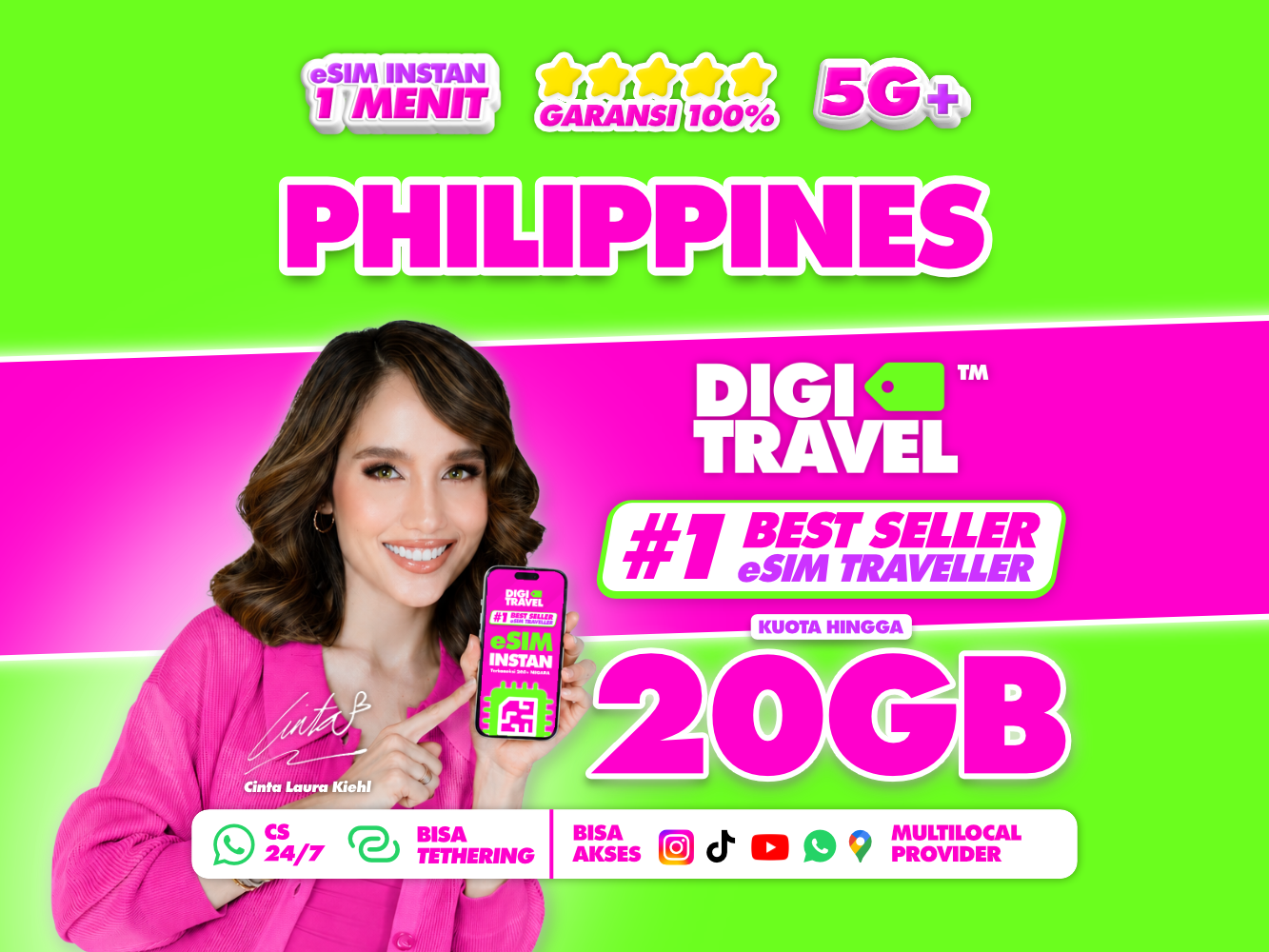
Philippines eSIM Unlimited Data (5-30 Days, 500MB/1GB/2GB High-Speed per Day) - Hotspot Supported
¥ 0
 Point Guide
 AI 추천

Book tickets, tours, & activities worldwide with GlobalTix.
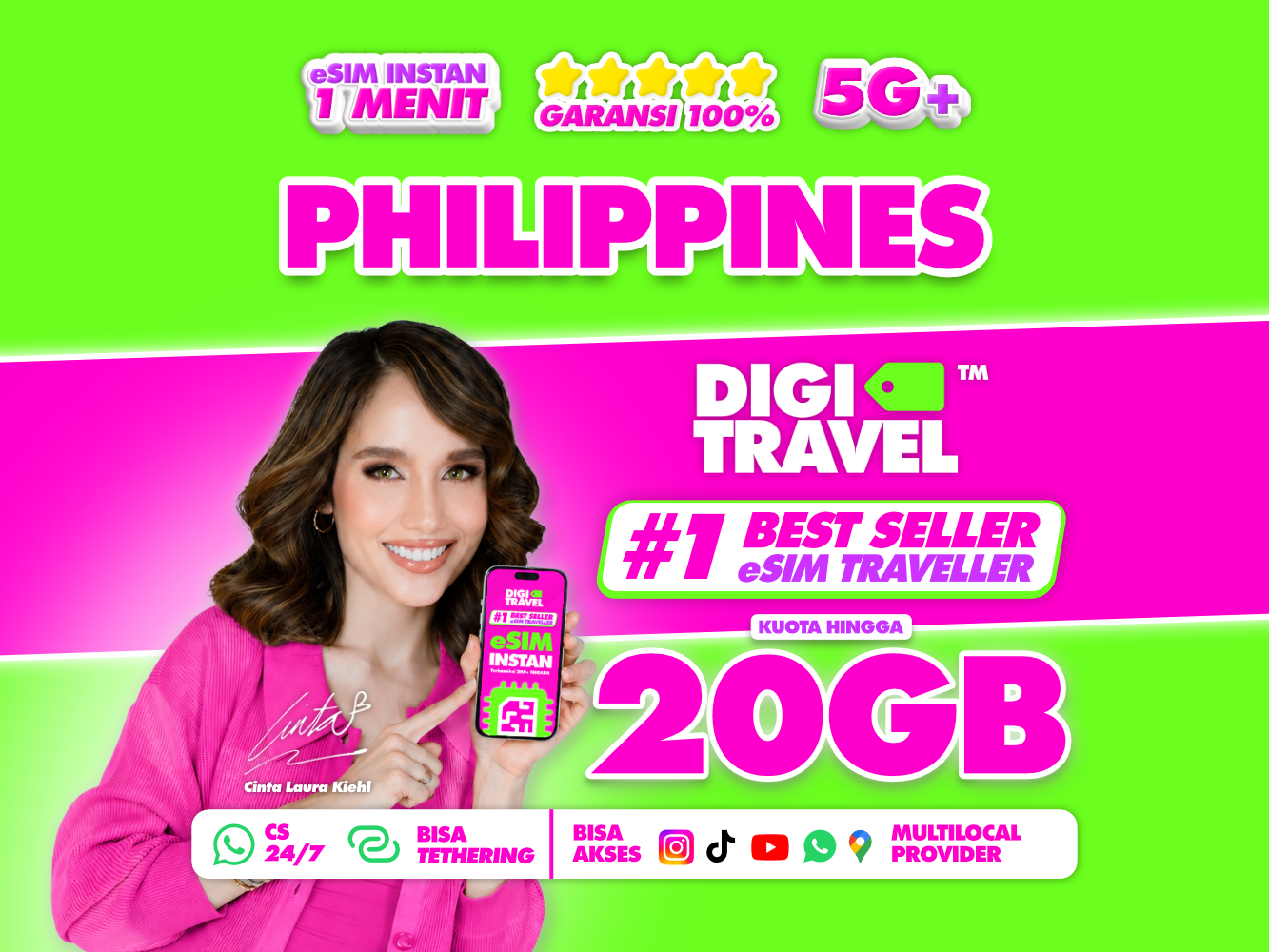
This DIGITRAVEL eSIM gives you fast, reliable 4G LTE/5G data throughout your trip in the Philippines. Receive your eSIM by email right after purchase and install it easily with a QR code, with no physical SIM needed. Choose between daily unlimited plans with a set daily data amount and fixed data plans with a total allowance for the period, to suit your itinerary. 24/7 customer support is available if you have any trouble with setup or activation.
Stay connected wherever you travel in the Philippines with DIGITRAVEL eSIM Philippines and enjoy fast, reliable 4G LTE/5G data. No need to buy or swap a physical SIM card: choose your plan and receive your eSIM instantly by email. Install it on a compatible device and activate it when you arrive in the Philippines to use data for navigation, messaging, video streaming, social media, online meetings and more.
Unlimited plans with a set daily data amount (500MB, 1GB or 2GB per day). Choose a duration of 1, 3, 5, 7, 10, 15, 20 or 30 days. A Fair Usage Policy (FUP) applies, so speed may be adjusted once you reach the daily usage limit.
Plans with a total data allowance for a set period. Choose from 1GB (3 days), 3GB (7 days), 5GB (10 days), 10GB (15 days), 15GB (30 days) or 20GB (30 days).
 사용 방법
Use the eSIM QR code (mobile ticket) you receive on your phone.
Before installation
iPhone (iOS 17.4 or later)
iPhone (below iOS 17.4)
Android
Activation
Need help?
※ 모든 이용 기준은 바우처에 기재된 내용을 따릅니다. 확인하지 않아 이용하지 못한 경우 환불 및 보상이 불가합니다.※ 모든 기준은 바우처상의 미팅 장소와 시간에 따릅니다. 미확인으로 인해 이용하지 못한 경우 환불이 불가합니다.
 꼭 알아두세요
 Point Guide