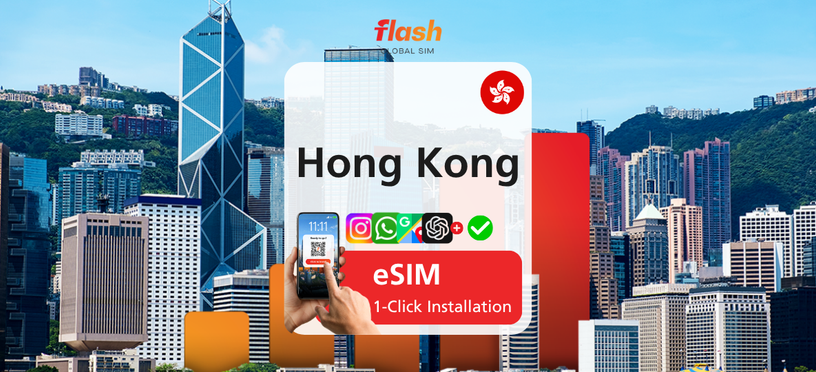
오늘부터 사용가능
Hong Kong Only 4G/5G Unlimited Data eSIM
¥ 1,379
 Point Guide
 AI 추천

Book tickets, tours, & activities worldwide with GlobalTix.
Use 5G data across Hong Kong on the CSL network
Local IP lets you browse just like a local line
Choose from total-data and daily-data plans from 1 to 30 days
Get online as soon as you land
on Hong Kong's CSL 5G network
A data-only eSIM for Hong Kong. It covers all of Hong Kong on the CSL network and connects with a local IP. Install it with the QR code before you fly, then simply turn on the line when you arrive in Hong Kong to connect and activate automatically. Hotspot sharing is available.
Pick a plan that fits your trip
Choose a validity of 1 to 30 days. Pick a total-data plan (3GB, 5GB, 10GB, 20GB, 30GB or 50GB) to use across your whole trip, or a daily-data plan (0.5GB, 1GB, 2GB, 3GB or 100GB per day), depending on how you travel.
Install easily with a QR code before you fly
On a stable internet connection, scan the QR code or use the app for one-tap installation. iPhone: Settings > Cellular > Add eSIM. Android: Settings > Network & Internet > SIMs > Add mobile plan.
Just turn on the line when you arrive
After arrival, turn on the eSIM line in Settings and set it as your mobile data line to connect automatically. If the connection is unstable, toggle Airplane Mode or restart your device. If needed, set the APN to "CTExcel" manually.
※ This is a data-only eSIM, so voice calls and SMS are not available.
※ Once installed, the eSIM is bound to that device and cannot be transferred.
eSIM data
Hotspot sharing
Voice calls
SMS
 사용 방법
Install the eSIM with the QR code in your voucher.
After arriving in Hong Kong, turn on the eSIM line in Settings to connect and activate automatically.
This is an open ticket that can be used without selecting a date.
iPhone: Settings > Cellular > Add eSIM
Android: Settings > Network & Internet > SIMs > Add mobile plan
Install while connected to a stable internet connection (e.g. Wi-Fi).
Make sure the eSIM line is turned on and set as the mobile data line.
Check that the APN is set to "CTExcel" and set it manually if needed.
Turn off any VPN.
Toggle Airplane Mode on and off or restart your device.
※ 모든 이용 기준은 바우처에 기재된 내용을 따릅니다. 확인하지 않아 이용하지 못한 경우 환불 및 보상이 불가합니다.※ 모든 기준은 바우처상의 미팅 장소와 시간에 따릅니다. 미확인으로 인해 이용하지 못한 경우 환불이 불가합니다.
 꼭 알아두세요
 Point Guide