Available today
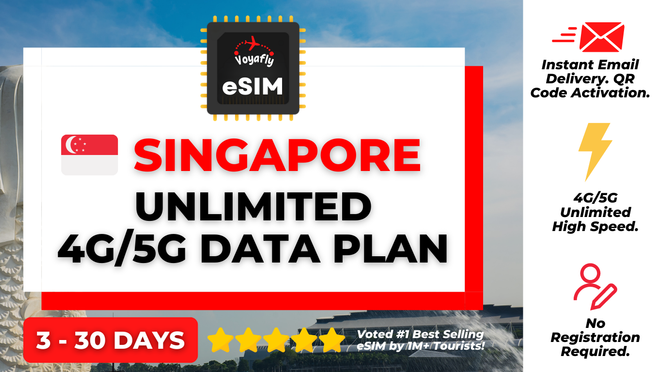
Singapore Voyafly Unlimited 4G/5G Data eSIM
¥ 1,390

 Point Guide
 AI Picks
Book tickets, tours, & activities worldwide with GlobalTix.
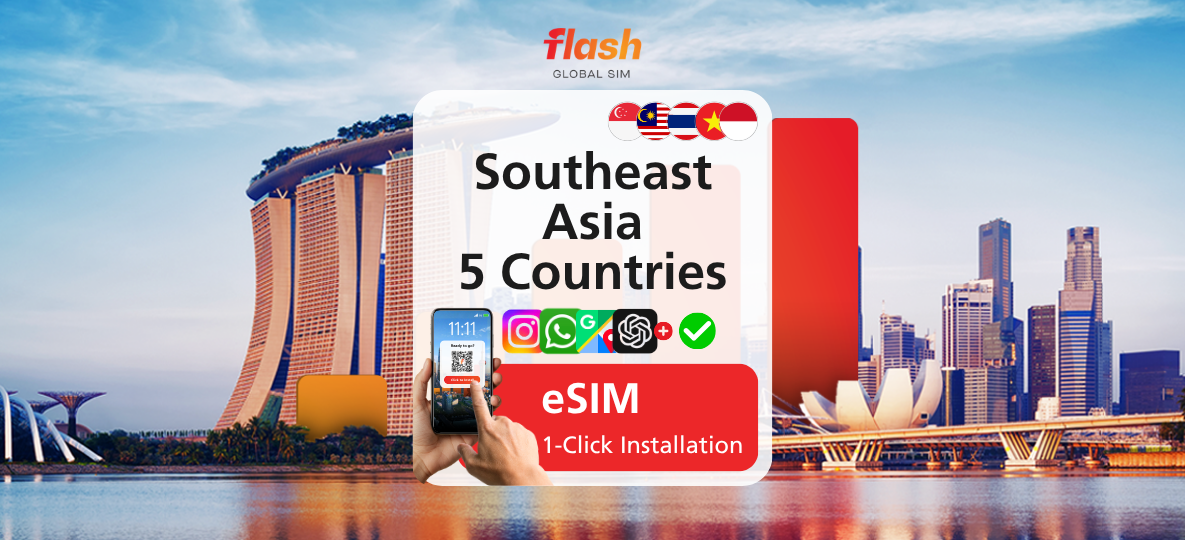
A data-only eSIM for 5 countries: Singapore, Malaysia, Thailand, Vietnam and Indonesia. Choose a validity from 1 to 15 days and enjoy unlimited data from the moment you scan the QR code, with 4G and 5G where available. Hotspot is supported, and you can activate it by scanning a QR code with no registration and no need to swap a physical SIM card.
Unlimited 4G/5G data
across 5 Southeast Asian countries
A data-only eSIM for Singapore, Malaysia, Thailand, Vietnam and Indonesia. Choose 1, 3, 5, 7, 10, 12 or 15 days, and enjoy unlimited data for that period from the moment you scan the QR code. It connects via 4G and 5G where available, and hotspot is supported.
Activate instantly by scanning a QR code
After purchase, you will receive the eSIM QR code by a separate email. No registration is needed: just follow the email instructions and scan the QR code to activate.
Scan the QR code from your phone's cellular settings, not from the camera app, and make sure you are connected to a stable internet connection before scanning. We recommend scanning it on the day of use.
High-speed data up to 1GB per day
A fair usage policy of 1GB per day applies to the unlimited data. If you use more than 1GB in a day, the speed will be reduced, and high-speed data resets on the next calendar day.
Check that your phone supports eSIM
Supported devices include iPhone XR, XS, XS Max, 11, 12, 13, 14 and 15 (including Pro, Pro Max, Plus and Mini) and Samsung Galaxy S21 and above. It works on unlocked eSIM-supported devices, and compatibility is determined by the manufacturer.
※ This is a data-only eSIM. A local phone number, calls and SMS are not included.
Unlimited data eSIM for 5 Southeast Asian countries for the selected period
Local phone number, calls and SMS
 How To Use
Use the eSIM QR code sent to you by email.
Scan the QR code to activate within 90 days of purchase.
The validity period starts when you scan the QR code.
The eSIM QR code will be sent to you by a separate email. Please follow the email instructions to activate your eSIM.
Scan the eSIM QR code from the cellular settings page, not from the camera app.
Make sure you are connected to a stable internet connection before scanning the QR code.
※ All usage conditions are subject to the information stated on the voucher. Refunds or compensation will not be provided if you are unable to use the service due to failure to check the information.※ All usage conditions are subject to the information stated on the voucher. Refunds or compensation will not be provided if you are unable to use the service due to failure to check the information.
 What to Remember
 Point Guide