activity_detail_image
detail_image
Sydney
eSIM

Australia & New Zealand eSIM Unlimited Data (1-15 Days) - Telstra & Spark Networks, Hotspot Supported

Instant confirmationAvailable today
2%
Autumn Super Sale 2% Off Coupon
Payment & Rewards
Point GuidePoint Guide
Earn ¥6

Product Info

  • Confirmed within 24 hours
  • 1 person
  • Not Included
  • Mobile voucher
  • Varies by options
  • Use within the validity period
  • Cancellation unavailable
A
ㅎ
Please note: This product description has been translated using Google Gemini AI.


GlobalTix

GlobalTix

Book tickets, tours, & activities worldwide with GlobalTix.


Highlights

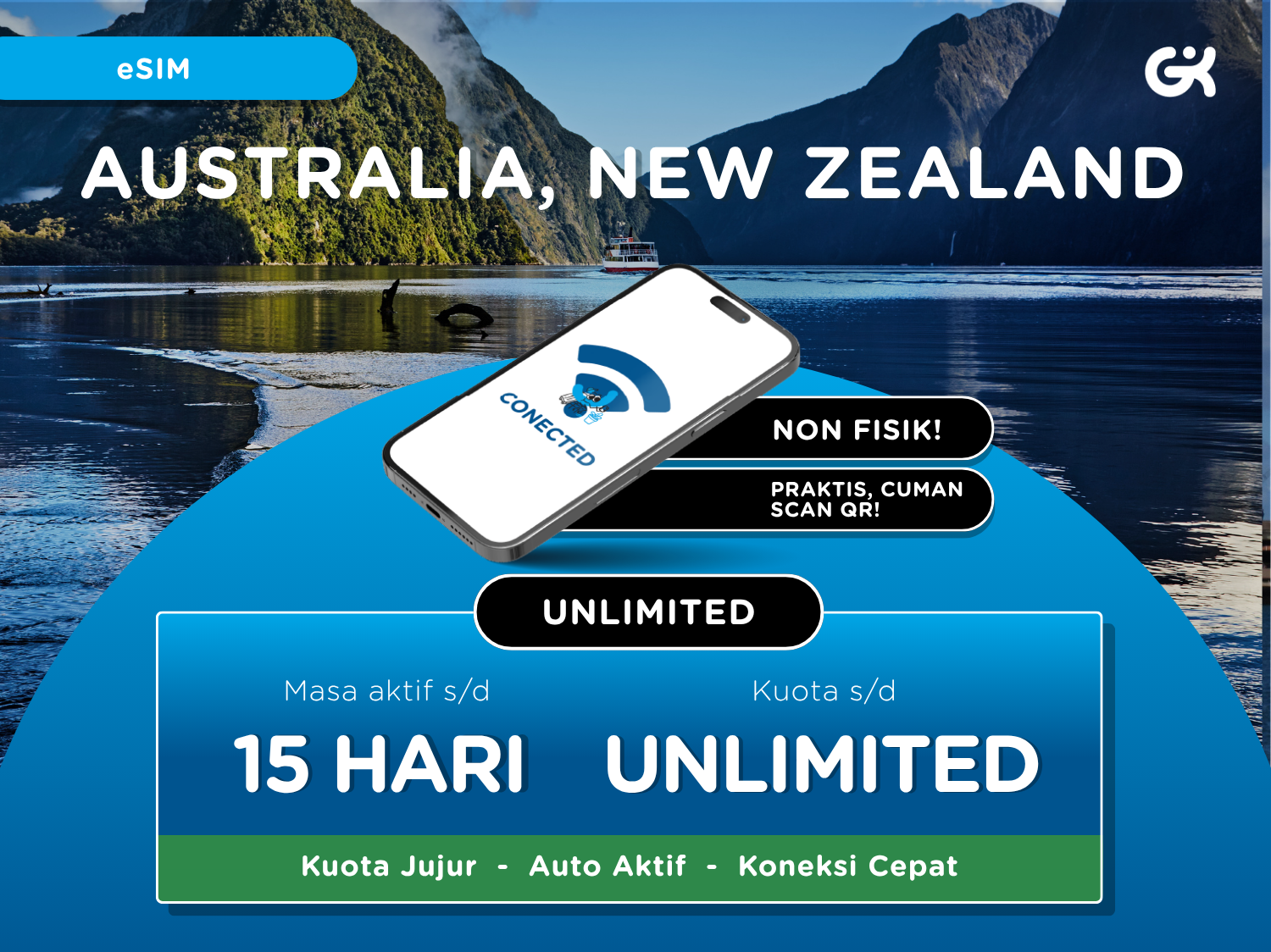
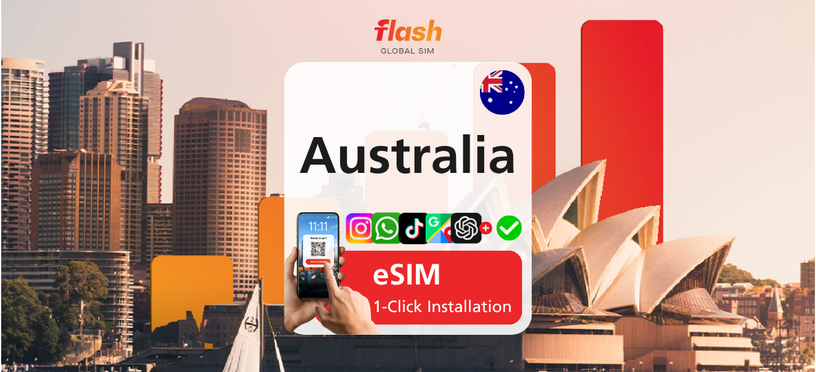
A data eSIM you can use in both Australia and New Zealand, with no need to swap your physical SIM card. Simply scan the QR code sent to your email to activate it, and you can scan it before or after you arrive. It connects on 4G LTE via Telstra in Australia and Spark in New Zealand. Choose from 1GB/day, 2GB/day or pure unlimited plans, and use the personal hotspot (tethering) too.


Program

A data-only eSIM for use in Australia and New Zealand. Choose your validity period and data amount as an option.

Plan Details

  • Active period: 1, 3, 5, 7, 10 or 15 days
  • Data: 1GB/day, 2GB/day or pure unlimited
  • If usage exceeds the daily FUP, the speed drops to 128 kbps and returns to normal the next day
  • Speed: 4G LTE
  • Coverage: Australia & New Zealand
  • Network: Telstra (Australia), Spark (New Zealand)
  • Tethering/personal hotspot: Yes
  • Calls & SMS: No
  • Top-up: No

APN Settings (including personal hotspot)

  • APN: mobile.three.com.hk
  • Username & password: leave empty

Information

What's Included

  • 1 Australia & New Zealand QR eSIM according to the option purchased

How To UseHow To Use

Booking

  • Please book in advance before use.
  • After booking, you need to reconfirm your order via WhatsApp (+628156080055).

Installing

  • You need to be connected to the internet to scan and activate the eSIM.
  • iPhone: Go to Settings > Cellular > Add Cellular Plan, scan the QR code, and rename the eSIM to "Global Komunika".
  • Android: Go to Settings > Connections > SIM Card Manager > Add Mobile Plan, scan the QR code, and rename the eSIM to "Global Komunika".
  • You can scan the QR code before or after arriving in Australia or New Zealand. The eSIM becomes active once scanned.

Activating

  • Turn on the "Global Komunika" eSIM, set it as your mobile data line, and enable Data Roaming.
  • If needed, set the APN to mobile.three.com.hk and leave the username and password empty.
  • You can check your data usage in your phone settings.

Please check the meeting point and time specified on your voucher before use.Please check the meeting point and time specified on your voucher before use.

※ All usage conditions are subject to the information stated on the voucher. Refunds or compensation will not be provided if you are unable to use the service due to failure to check the information.※ All usage conditions are subject to the information stated on the voucher. Refunds or compensation will not be provided if you are unable to use the service due to failure to check the information.

Grab your e-ticket on the app and skip the hassle!
APP

What to RememberWhat to Remember

Don’t forget to check all the important details.


Cancellation and Refund

Reservations for this product cannot be refunded or changed after purchase.
Customer Center
Product ID: 166832


Sydney TOP 20

2%
Autumn Super Sale 2% Off Coupon
Payment & Rewards
Point GuidePoint Guide
Earn ¥6
¥ 421
¥ 413~
Best price
Select Options