Available today
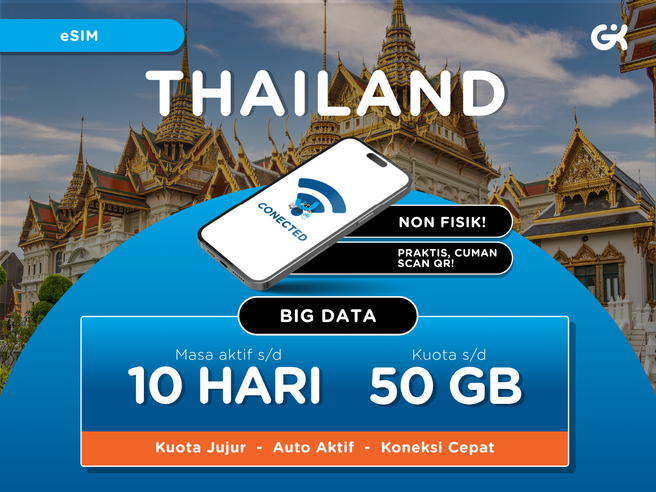
Thailand Big Data 4G/5G eSIM - 7 Days 15GB & 10 Days 50GB
¥ 804






 Point Guide
 AI Picks
Book tickets, tours, & activities worldwide with GlobalTix.
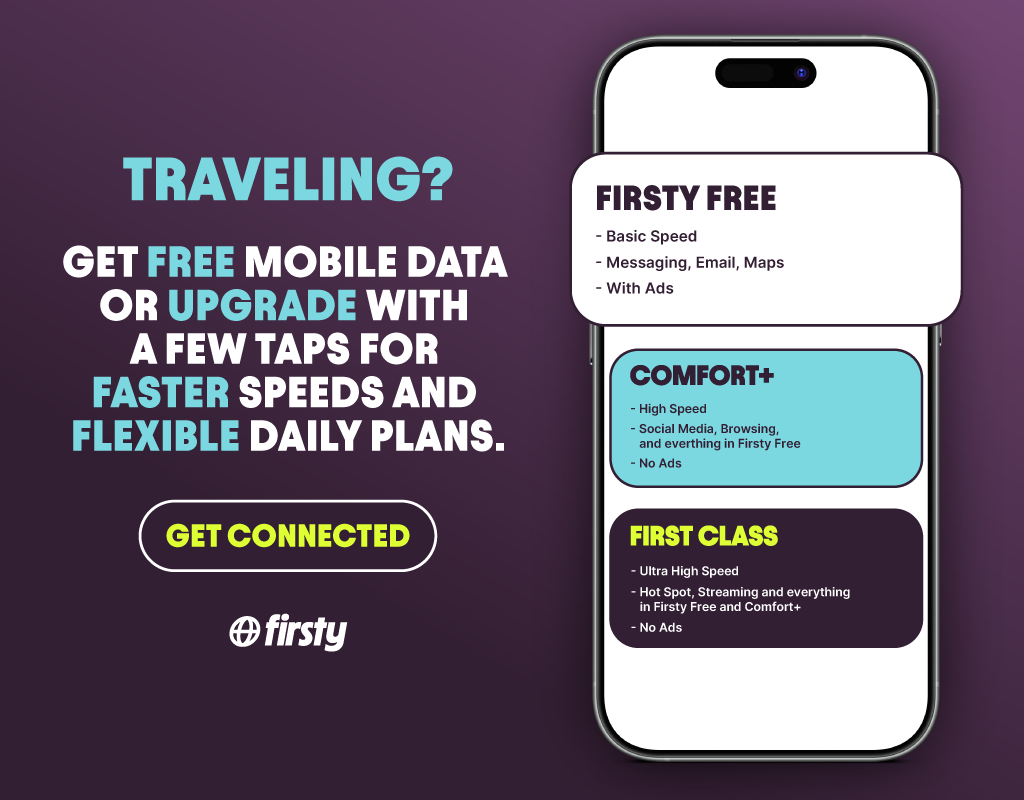
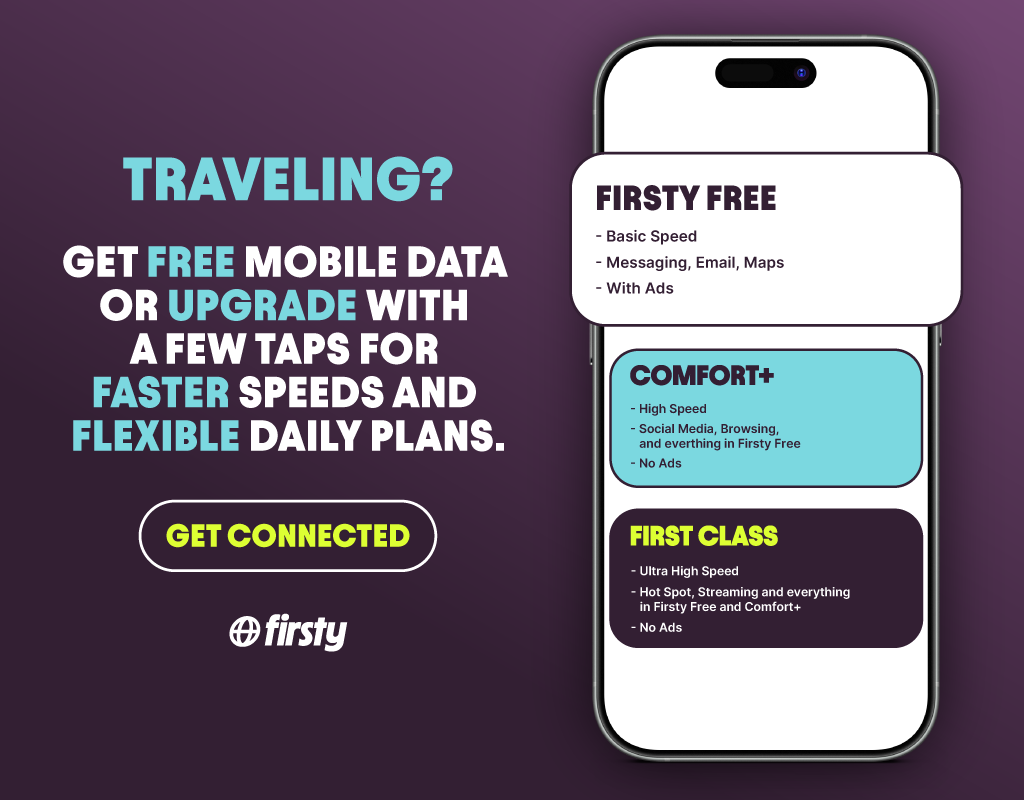
Use mobile data in Thailand with a single Firsty eSIM, without swapping physical SIM cards. Choose between Comfort Plus with 1.5GB of high-speed data per day and First Class with 5GB per day, and keep browsing at normal speed after your daily high-speed allowance runs out. Both plans include hotspot, and you can pick a plan from 1 to 30 days to match your trip.
Stay connected in Thailand
with a single eSIM
The Firsty eSIM is a data-only eSIM you download to your phone, with no physical SIM card needed. Redeem your voucher in the app and install the eSIM to use maps, messaging and social media right away in Thailand. After using your daily high-speed allowance, you can keep using data at reduced speed.
Comfort Plus with 1.5GB daily
Use up to 1.5GB per day at the maximum speed offered by the local network, then continue at normal speed. Ideal for travelers who want reliable internet for basics like search, maps and social media. Hotspot is included.
First Class with 5GB daily
Use up to 5GB per day at maximum speed, then continue at normal speed. Ideal for streaming, video calls and other data-heavy use. Hotspot is included.
Redeem your voucher and install in the app
Download the Firsty app, sign up, choose your plan, country of travel and number of travel days, then redeem your voucher. Follow the prompts to install the eSIM, set mobile data to Firsty and turn on data roaming.
※ Works only on unlocked, eSIM-compatible devices.
※ A stable internet connection such as Wi-Fi is required for installation.
1 data eSIM for the selected plan (1.5GB or 5GB high-speed data daily, then normal speed)
Hotspot
 How To Use
Please check your mobile voucher by email or in the WAUG app.
Redeem your plan in the Firsty app with the voucher number found below the QR code on your PDF voucher.
Please use it within the validity period.
iPhone
Download the Firsty app, sign up or log in, choose your plan, country of travel and number of travel days, and redeem your voucher.
Follow the device prompts to install and activate the eSIM.
In Settings, set mobile data to Firsty and turn on data roaming.
Android
Download the Firsty app, sign up or log in, choose your plan, country of travel and number of travel days, and redeem your voucher.
Follow the app prompts to install the eSIM.
In Settings, switch on the Firsty eSIM profile, set mobile data to Firsty and turn on roaming.
※ Please connect to Wi-Fi during installation.
※ All usage conditions are subject to the information stated on the voucher. Refunds or compensation will not be provided if you are unable to use the service due to failure to check the information.※ All usage conditions are subject to the information stated on the voucher. Refunds or compensation will not be provided if you are unable to use the service due to failure to check the information.

Throughout Thailand (data eSIM)
What to Remember Point Guide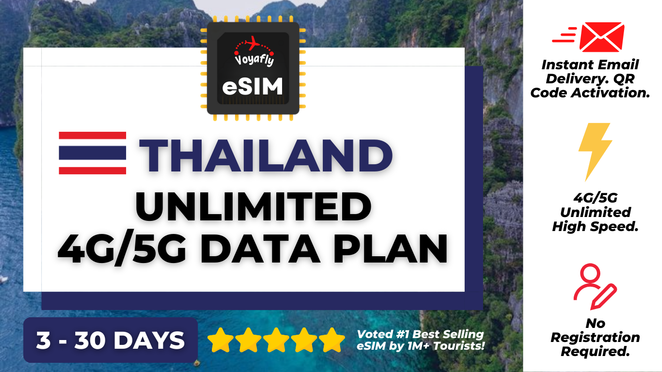







![[Exclusive Discount] [Vehicle Price] Bangkok Airport Pick-up & Drop-off Service](https://d2mgzmtdeipcjp.cloudfront.net/files/good/2024/09/03/17253603009510.jpg?s=656x372&t=outside)
![[Exclusive Discount] Muang Boran & Erawan Museum Ticket in Bangkok](https://d2mgzmtdeipcjp.cloudfront.net/files/good/2023/07/12/16891468994545.png?s=656x372&t=outside)










![[Korean Exclusive] Phuket Banana Beach Half Day Tour](https://d2mgzmtdeipcjp.cloudfront.net/files/good/2023/10/04/16964071634930.jpg?s=656x372&t=outside)

![[Exclusive Discount] Phuket Sansabai Massage Jungceylon Patong Branch](https://d2mgzmtdeipcjp.cloudfront.net/files/good/2026/01/19/17687897153540.png?s=656x372&t=outside)