activity_detail_image
detail_image
Tokyo
eSIM

Japan SoftBank 4G/5G eSIM - Daily Data & Total Data Plans (QR Code)

Instant confirmationAvailable today
2%
Autumn Super Sale 2% Off Coupon
Payment & Rewards
Point GuidePoint Guide
Earn US$0.01

Product Info

  • 1 person
  • Not Included
  • Mobile voucher
  • Varies by options
  • Use within the validity period
  • Cancellation unavailable
A
ㅎ
Please note: This product description has been translated using Google Gemini AI.


Promotion

Promotion

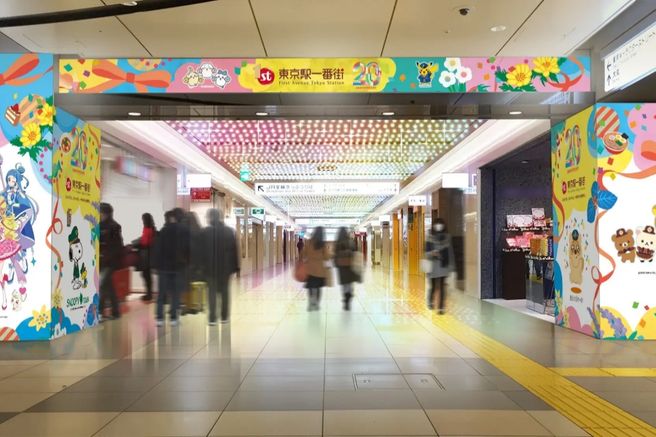
All purchasers will receive a Tokyo Station Character Street discount coupon! The coupon can be downloaded from the purchase history page.

All purchasers will receive a 7% discount coupon for Bic Camera Japan! The coupon can be downloaded from the purchase history page.

All purchasers will receive a discount coupon for Don Quijote! The coupon can be downloaded from the purchase history page.

GlobalTix

GlobalTix

Book tickets, tours, & activities worldwide with GlobalTix.


Highlights

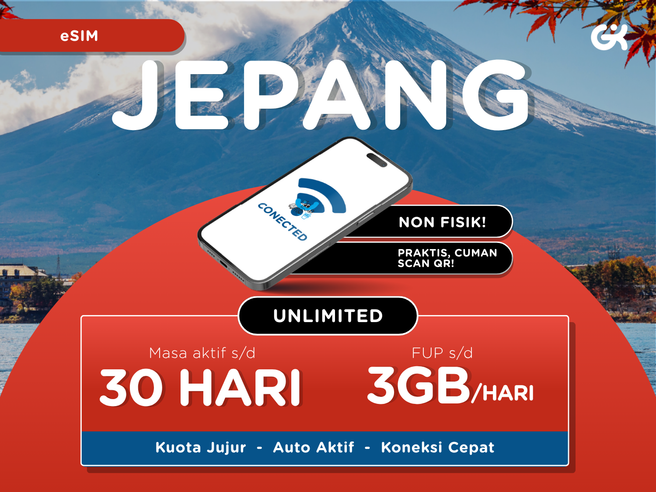
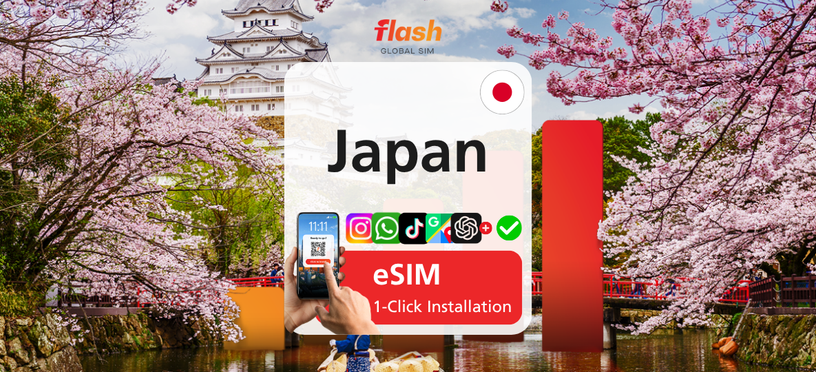
This eSIM runs on Japan's SoftBank 4G/5G network. Choose a daily data plan (1GB to 30GB per day) or a total data plan to share across your trip (5GB to 50GB), for 1 to 180 days to match your itinerary. TikTok and ChatGPT are available, and billing is calculated in 24-hour units. Install it by scanning a QR code, and hotspot sharing is supported (except Google phones and iPads).


Program

The actual steps may vary depending on the OS version and device model.

Install the eSIM

Each QR code can only be used on one device. Once installed, the eSIM is bound to that device and cannot be transferred to another.

Method ① In-app installation

  • Open the Trip.com app > Account > All Bookings and tap the "Install" button.

Method ② Scan the QR code / enter eSIM details manually

  • Open the QR code attachment from your order in the Trip.com app, and print it in advance or save it to another device.
  • Open "Cellular (iOS)" or "SIM Card Management (Android)" in Settings.
  • While your phone is connected to the internet, tap "Add eSIM" and scan the QR code to install.
  • If you can't scan the code, enter the "SM-DP+ Address and Activation Code" from the order voucher.
  • If installation still fails, your phone may be locked by your home carrier (unable to use other carrier networks). Ask your carrier to unlock it before using the eSIM.

Use the eSIM

  • Turn off your primary SIM card and turn on the eSIM network.
  • Enable "Cellular (iOS)" or "SIM Card (Android)".
  • If you still cannot connect after these settings, set the APN as below and restart your phone.

APN settings

  • iOS: Settings > Cellular > Cellular Data Network > enter APN details
  • Android: Settings > Connections > Mobile networks > Access Point Names (APN) > edit or add APN
  • APN: plus.4g / APN type: default,ia
  • Restart your phone after entering the details.

Check your usage

Enter your order number to view your usage (or tap the link in your Trip.com PDF voucher): https://flow-consumer-center.billionconnect.com/usageq/trip/en

Customer support

If you run into any issues, please do not delete the installed eSIM. Send your order number and screenshots of your phone settings to customer support and they will help you promptly.


Information

What's Included

  • eSIM + data plan
  • Hotspot sharing supported (currently not supported on Google phones and iPads due to compatibility limitations)

What's Not Included

  • Voice calls
  • SMS
  • Renewal / top-up (please repurchase to continue using)

How To UseHow To Use

  • Show your mobile voucher.
  • Use at the redemption counter.

Please check the meeting point and time specified on your voucher before use.Please check the meeting point and time specified on your voucher before use.

※ All usage conditions are subject to the information stated on the voucher. Refunds or compensation will not be provided if you are unable to use the service due to failure to check the information.※ All usage conditions are subject to the information stated on the voucher. Refunds or compensation will not be provided if you are unable to use the service due to failure to check the information.

Grab your e-ticket on the app and skip the hassle!
APP

What to RememberWhat to Remember

Don’t forget to check all the important details.


Cancellation and Refund

Reservations for this product cannot be refunded or changed after purchase.
Customer Center
Product ID: 166812


Tokyo TOP 20

2%
Autumn Super Sale 2% Off Coupon
Payment & Rewards
Point GuidePoint Guide
Earn US$0.01
US$ 0.79
US$ 0.77~
Best price
Select Options