Available today
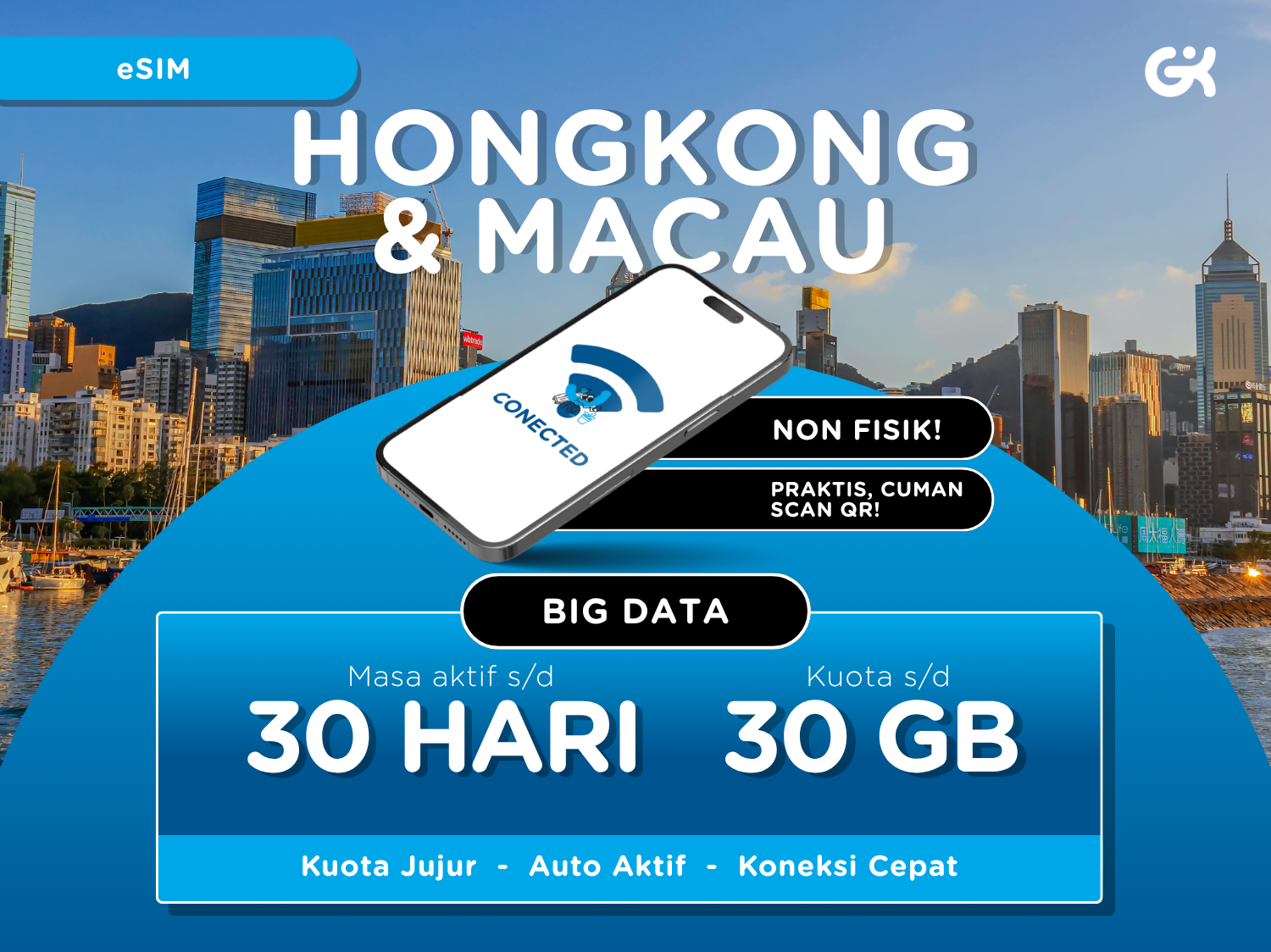
Hong Kong & Macau 4G/5G Unlimited Data eSIM
US$ 2.57

 Point Guide
 AI Picks
Book tickets, tours, & activities worldwide with GlobalTix.
Use 4G data in Hong Kong and Macau by scanning the QR code sent by email, with no need to swap your physical SIM
Use 5GB, 10GB, 20GB or 30GB of data over your active period with no daily limit
Choose from 3 to 30 days, and stay online at 128 kbps even after your data runs out
Hotspot (tethering) is supported
Travelling in Hong Kong and Macau?
Get 4G data with one eSIM
This is a data-only eSIM for Hong Kong and Macau. After booking, scan the QR code sent to your email on your phone and use mobile data without swapping your physical SIM. You can scan the QR code before or after arriving at your destination.
Use your data freely with no daily limit
Choose an active period of 3, 5, 7, 8, 10, 12, 15, 20 or 30 days and 5GB, 10GB, 20GB or 30GB of data. Use the data freely during the active period with no daily limit, and keep accessing the internet at 128 kbps after the data runs out.
Local 4G networks and hotspot
Connects at 4G speed on China Telecom HK/HKT in Hong Kong and China Telecom Macau (CT Macau) in Macau. Hotspot (tethering) is supported. Calls, SMS and top-ups are not supported.
Install by scanning the QR code
Scan the QR code sent to your email from the add eSIM menu in your phone settings. The eSIM activates after scanning, and you can check data usage in your phone settings. Set the APN to CTExcel (leave username and password empty); the hotspot APN is the same.
※ Only works on eSIM-compatible devices. Dial *#06# — if an EID appears, your device supports eSIM.
※ The QR code can be scanned up to 3 times on the same device.
※ TikTok, ChatGPT and Mobile Legends cannot be accessed.
1 Hong Kong & Macau data eSIM for the selected plan (QR code sent by email)
4G data (selected period and data amount, 128 kbps after it runs out)
Hotspot (tethering)
Calls and SMS
Data top-ups
 How To Use
When booking, enter your date of use, phone number and email in the special requests. Without this information, eSIM delivery may be delayed
The eSIM QR code is sent by email the day after booking
Install it by scanning the QR code from the add eSIM menu in your phone settings, then set the APN to CTExcel
Coverage
Throughout Hong Kong and Macau (data eSIM)
※ The QR code can be scanned before or after arriving at your destination, and the eSIM activates after scanning.
※ All usage conditions are subject to the information stated on the voucher. Refunds or compensation will not be provided if you are unable to use the service due to failure to check the information.※ All usage conditions are subject to the information stated on the voucher. Refunds or compensation will not be provided if you are unable to use the service due to failure to check the information.

Throughout Hong Kong and Macau (data eSIM)
What to Remember Point Guide



![[Hong Kong Airport Pick-up] Hong Kong Octopus Card - HKD 50 Loaded](https://d2mgzmtdeipcjp.cloudfront.net/files/good/2025/02/01/17383930533586.jpg?s=656x372&t=outside)
![[Exclusive Discount] Ngong Ping 360 Cable Car Ticket, Hong Kong](https://d2mgzmtdeipcjp.cloudfront.net/files/good/2026/07/07/17834032566343.png?s=656x372&t=outside)




![[Exclusive Discount] Hong Kong Big Bus Night Tour (QR Code Instant Boarding)](https://d2mgzmtdeipcjp.cloudfront.net/files/good/2026/09/07/17887691598563.png?s=656x372&t=outside)


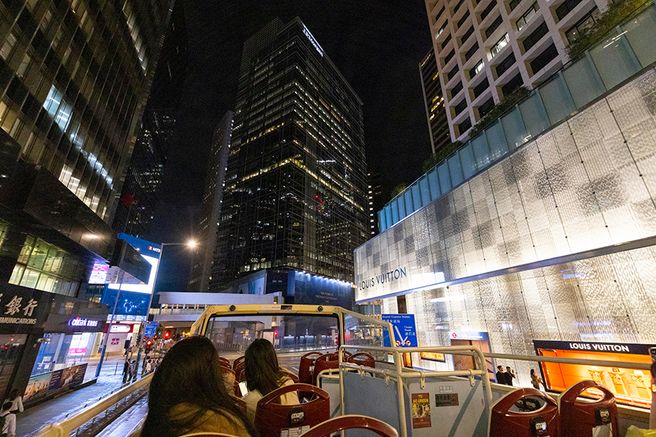



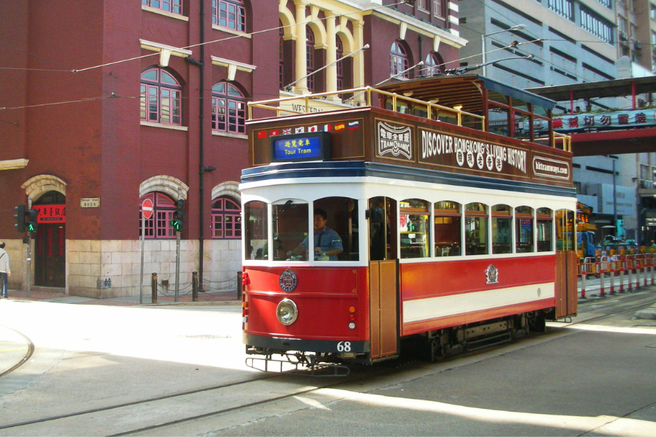

![[Promotion] Hong Kong Big Bus Tour 1/2 Day Pass & Night Tour](https://d2mgzmtdeipcjp.cloudfront.net/files/good/2026/07/13/17839315517429.png?s=656x372&t=outside)













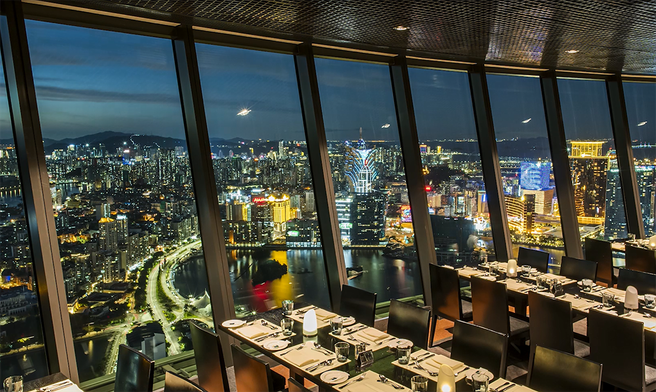
![[Exclusive Discount] Macau Tower 360° Cafe Buffet](https://d2mgzmtdeipcjp.cloudfront.net/files/good/2023/11/09/16995125657944.jpg?s=656x372&t=outside)
![[Exclusive Discount] Studio City Golden Reel Ticket](https://d2mgzmtdeipcjp.cloudfront.net/files/good/2026/01/14/17683730514085.jpg?s=656x372&t=outside)
![[Discount Combo] Macau Studio City Golden Reel Ferris Wheel Ticket + Spotlight Buffet](https://d2mgzmtdeipcjp.cloudfront.net/files/good/2025/11/27/17642336945547.png?s=656x372&t=outside)