Available today
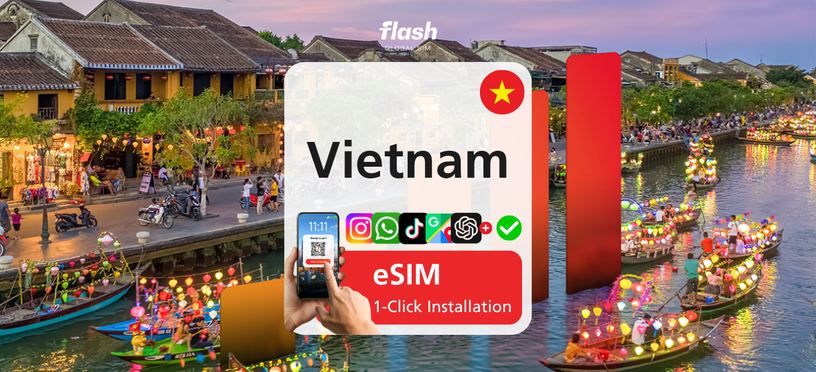
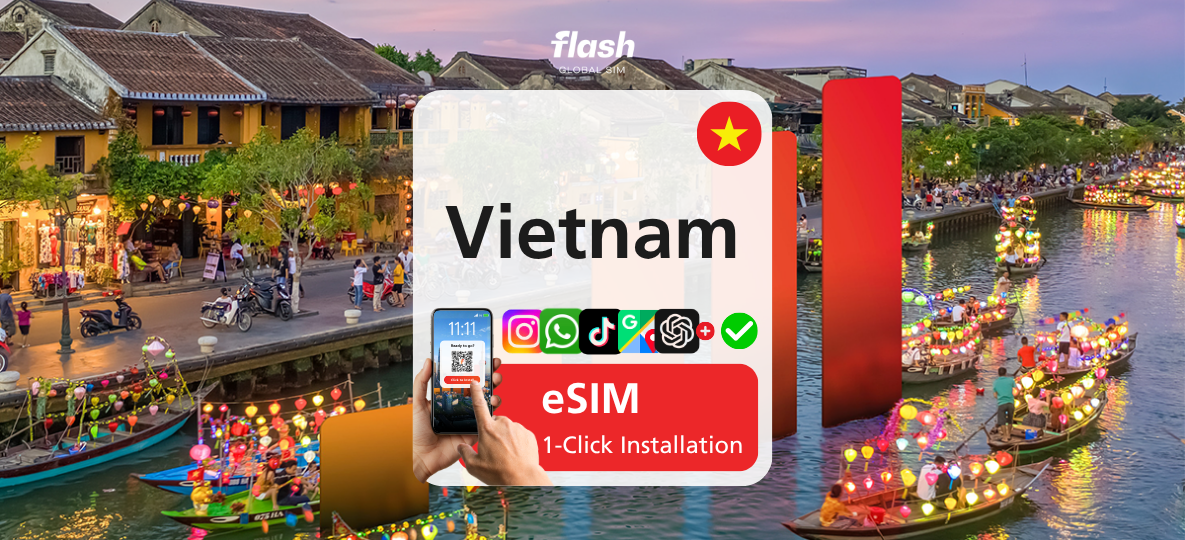
Vietnam Flash Global SIM 4G/5G Unlimited Data eSIM
US$ 2.06

 Point Guide
 AI Picks
Book tickets, tours, & activities worldwide with GlobalTix.
A Flash Global SIM eSIM that gives you mobile data the moment you arrive in Vietnam, just by scanning a QR code. It works across all of Vietnam, and after using 2GB of high-speed data each day you can keep using data at reduced speed. Hotspot and tethering are supported so you can share your connection, and you can choose a plan from 3 to 20 days to match your trip.
Scan a QR code once and
stay online anywhere in Vietnam
This Flash Global SIM data eSIM works throughout Vietnam. No need to swap your physical SIM card: install and activate it on an eSIM-compatible Android or iOS device and start using mobile data right away. Use it for maps, messaging, ride-hailing apps, social media, video streaming and more.
2GB of high-speed data daily,
then keep browsing
Use up to 2GB per day at 5G (where available) or LTE speed. Beyond that, speed is reduced but you can keep using data, and high-speed data resets the next calendar day. This is a data-only eSIM with no local number, calls or SMS.
Hotspot and tethering are supported, so you can share your connection with a laptop or your travel companions’ devices.
Check before installing
Your eSIM QR code will be emailed to you separately after booking. Scan it from your phone’s cellular (mobile data) settings, not the camera app, or use the one-tap installation feature. Connect to a stable internet connection when installing; installing on the day of departure is recommended.
※ The eSIM must be installed and activated within 30 days of purchase.
※ The validity period starts when the eSIM is scanned or installed.
Vietnam eSIM data package
Digital eSIM QR code delivered via email
Hotspot / tethering support
Unlimited data (2GB high-speed per day, subject to Fair Usage Policy)
Local phone number, calls and SMS
 How To Use
Check your mobile voucher by email or in the WAUG app.
Your eSIM QR code will be emailed separately. Follow the instructions to install it.
The validity period starts when the eSIM is scanned or installed.
Installation:
Scan the QR code from your phone’s cellular settings, not the camera app, or use the one-tap installation feature. Connect to a stable internet connection before installing, and turn on Data Roaming after installation.
※ All usage conditions are subject to the information stated on the voucher. Refunds or compensation will not be provided if you are unable to use the service due to failure to check the information.※ All usage conditions are subject to the information stated on the voucher. Refunds or compensation will not be provided if you are unable to use the service due to failure to check the information.
 What to Remember
 Point Guide






![[Vehicle Price] Hanoi Airport Pick-up & Drop-off Service (Hanoi / Ninh Binh / Ha Long Bay) - WAUG Exclusive](https://d2mgzmtdeipcjp.cloudfront.net/files/good/2025/08/01/17540115394611.jpg?s=656x372&t=outside)

![[Vehicle Price] Hanoi Airport Pick-up & Drop-off Service](https://d2mgzmtdeipcjp.cloudfront.net/files/good/2024/05/10/17153208041181.jpg?s=656x372&t=outside)